
Configure IncrediMail with GMail / Google Apps
Written by Pavan Kumar on May 20, 2008
IncrediMail is a desktop email client with better user interface compared with popular MS-Outlook, Eudora or Thunderbird. It has additional feature like adding custom backgrounds or you can even use any of the beautiful backgrounds which are installed with your package.
Google Apps is service by Google to integrate different google services with your very own domain name. Most common being e-mail like you@yourdomain.com and gTalk within your domain users. Even I use Google Apps for my corporate mail id. Like normal GMail, it also provides POP3 and IMAP access and this is the tutorial to use IncrediMail with Google Apps or GMail.
1. Download and install IncrediMail from here.
2. Enable POP in your GMail Settings.

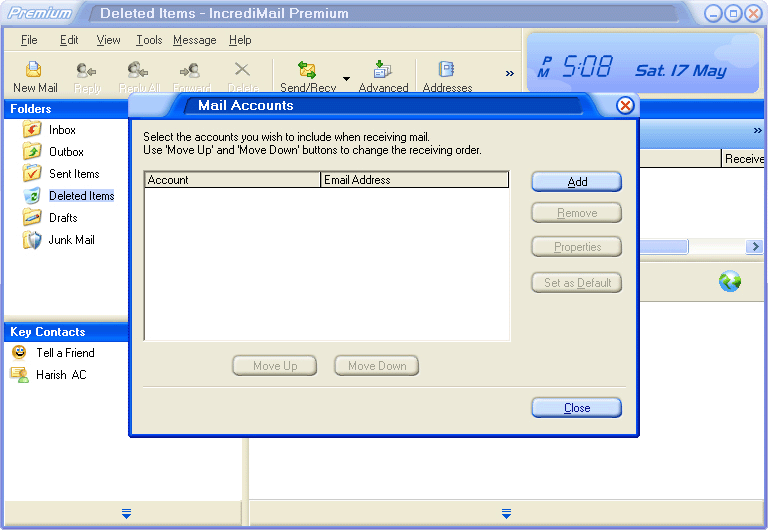
2. In IncrediMail, click on Tools > Accounts > Click Add.
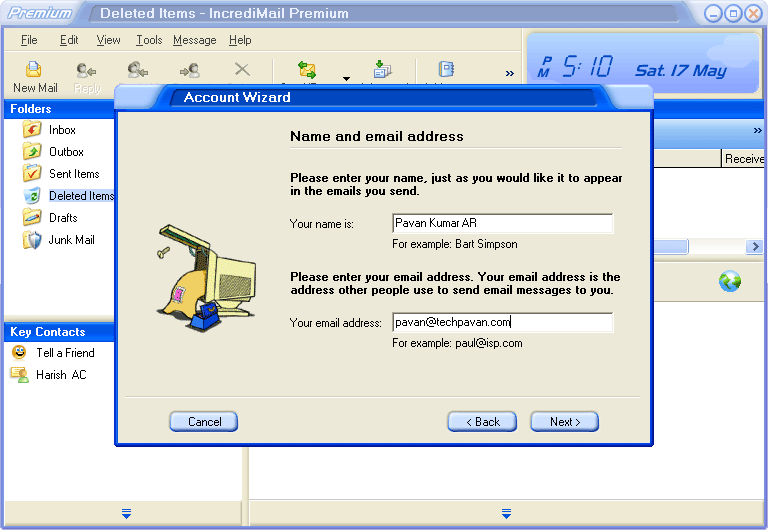
3. Enter your name as you would like to appear in the mails you mail to and your mail id.
4. In the next step, you have to configure your mail servers, I have shown here using POP3. Enter pop.gmail.com for incoming and smtp.gmail.com for outgoing server. [Its same for both gmail and google apps.]

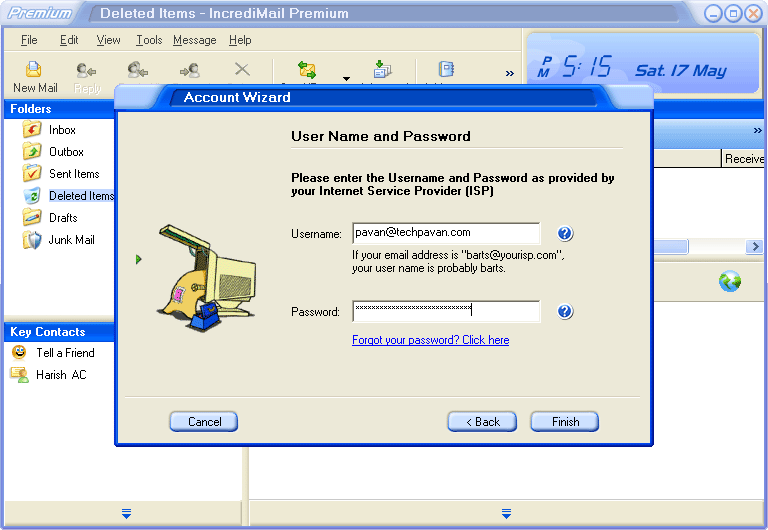
5. Enter your user name and password which you use to access your mail on google interface. Apps users enter you@yourdomain.com and gmail users enter yourid@gmail.com.
6. You will be presented with process end screen. BUT YOU ARE NOT DONE! Click ok.

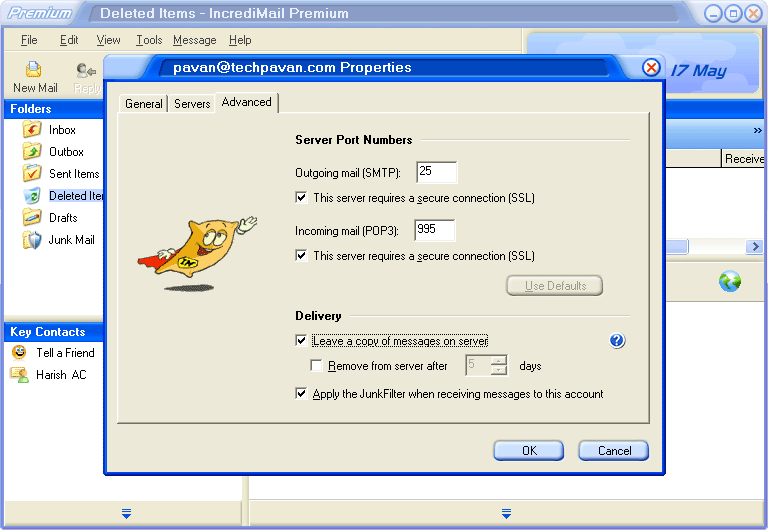
7. Again, click Tools > Accounts > select the account you created and click properties. Goto Servers > Check "My server requires authentication" [not shown in picture]. Goto Advanced > Change port addresses as below and Check "This server requires a secure connection[SSL]". Also check "Leave a copy of messages on server" for backups if you need. The port numbers are configured as follows.
Outgoing mail [SMTP] : 25 or 465 or 587
Incoming mail [POP3] : 995
8. Now, you have done all the required settings. Now, you can access your mails through IncrediMail. To download your mails, just click on Send/Receive and to write mails, click on New Mail. It has lot of beautiful options which you can learn by using repeatedly.
If you use any other client, you can get required instructions on google help.
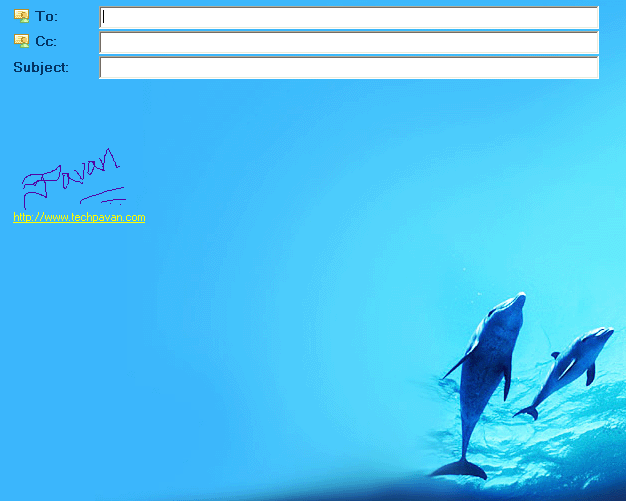
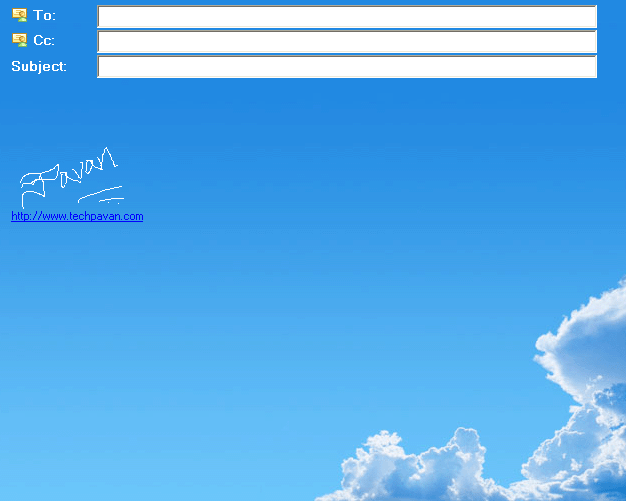
The following are the screenshots of ready background templates why I prefer IncrediMail for more beautiful presentation of mail.
***
In my next post, I am going to discuss about sending personalized mails (you send mails to all of your friends, but they feel that only they received that mail). Keep subscribed.
People who liked this also read:




I have heard a lot about IncrediMail, but never actually gave it a try. Will try it out on the weekend!
Hariss last blog post..Amazing Face Art